What you can build with Maatos

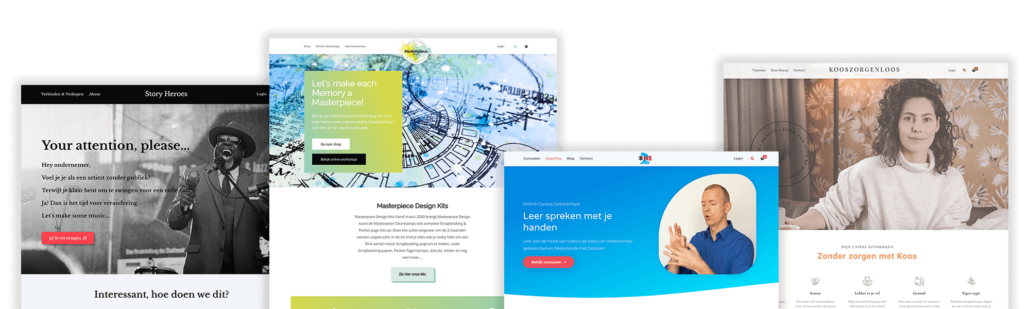
Explore real world examples of how creators use Maatos

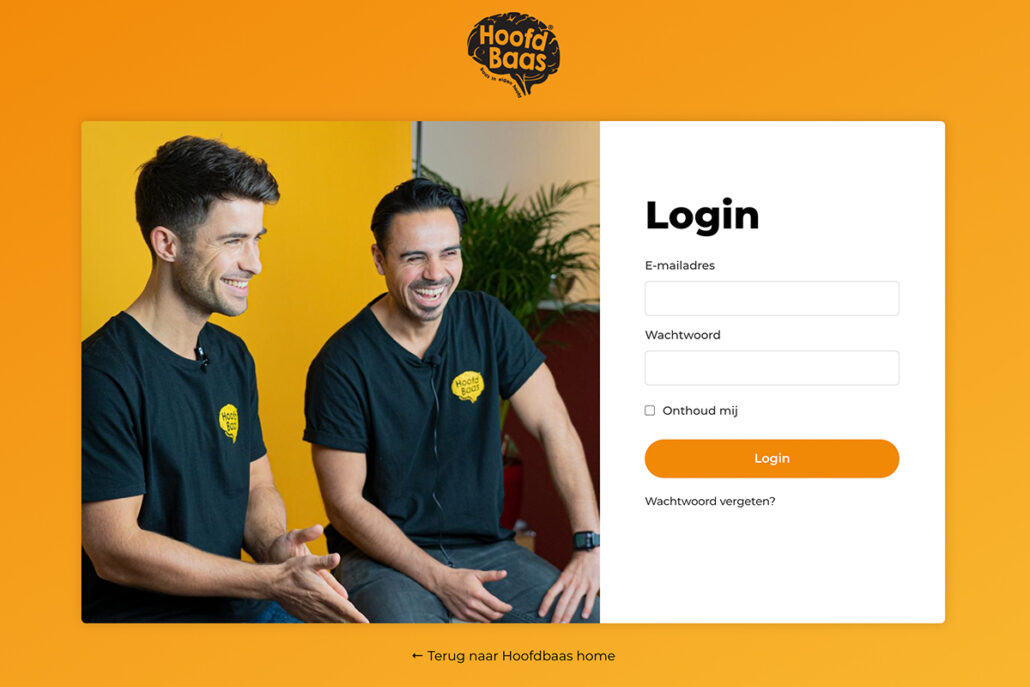
1 Course backend only

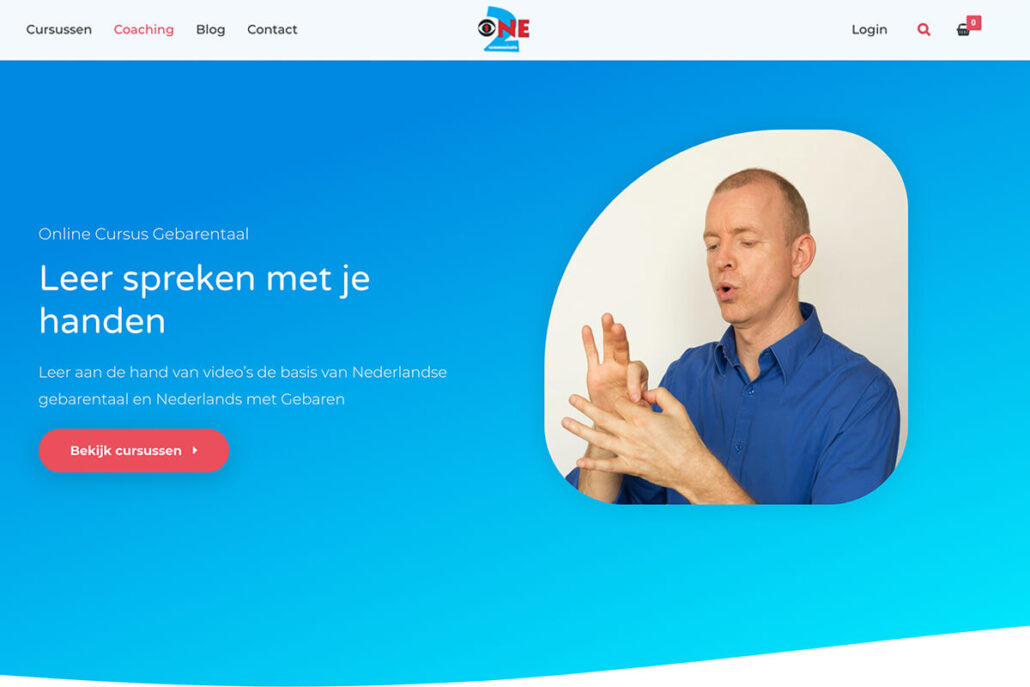
This setup is ideal if you mainly use Maatos to deliver courses to your students. It includes a checkout, a login page, and a secure learning environment.

It works especially well if you already have your own website for marketing. Course content can be protected, and you can also create standalone sales pages when needed.

2 Focus mode

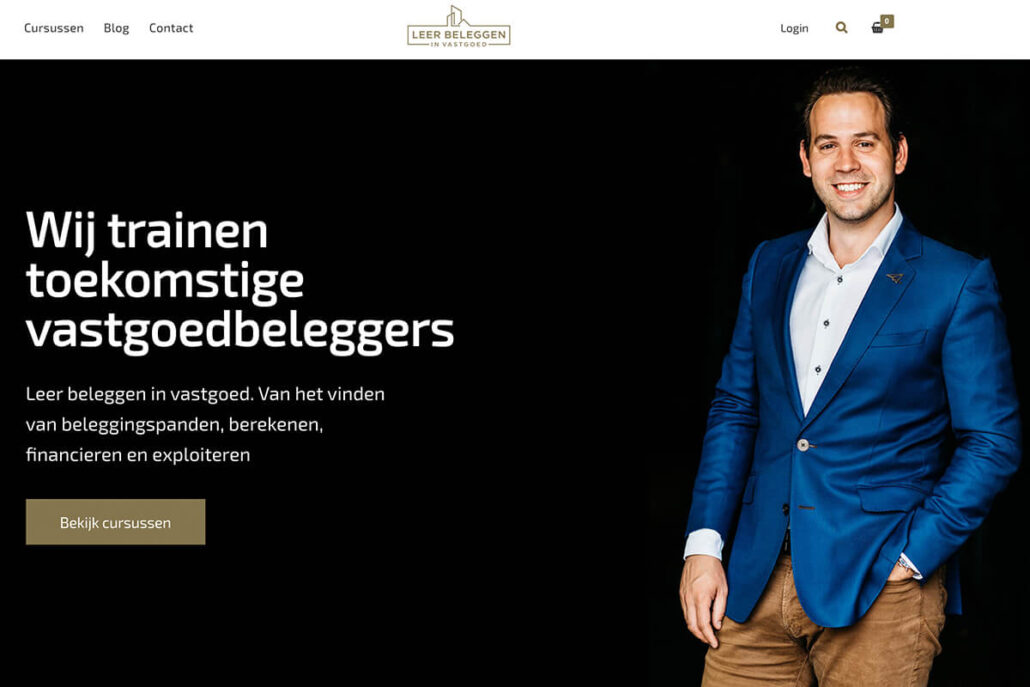
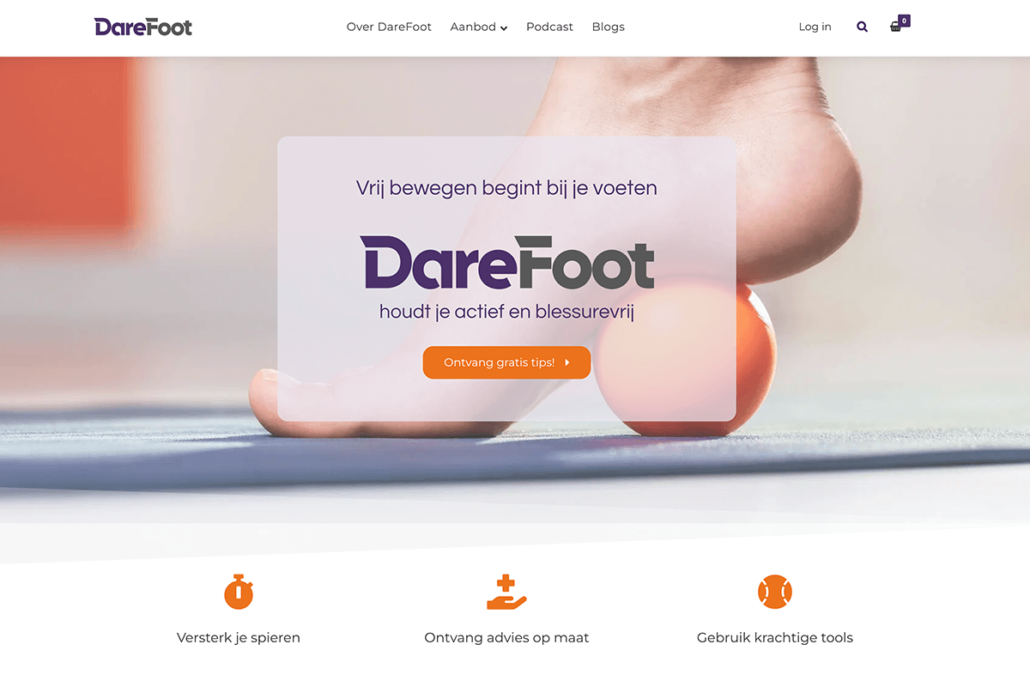
If your platform revolves around one main topic or a small selection of courses (up to five), a focused course site is a great choice.

Visitors immediately see what’s available and can get started right away. You can also publish blog posts and create landing pages alongside your courses.

3 Academy

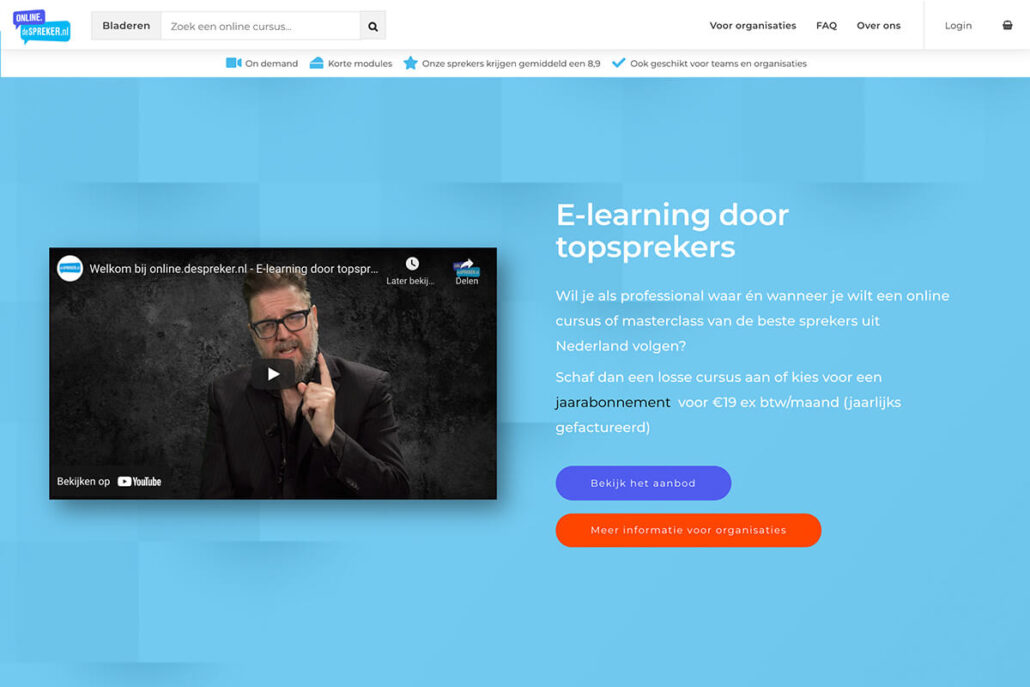
An Academy setup is designed for creators with a broader offering and multiple courses.

Search and category features help students quickly find what they’re looking for, keeping the platform clear and easy to navigate, also when it’s growing.

4 Courses + webshop

Maatos includes a complete e-commerce solution. This allows you to sell digital or physical products alongside your courses.

You can easily add a webshop and start selling your own products without extra complexity.

5 Courses + live sessions

Want to offer one-on-one sessions or allow people to book fixed time slots, such as for live events or workshops?

You can sell bookable products directly in your platform. Students choose a date, reserve a time slot in your calendar, and pay immediately.